
1
See it
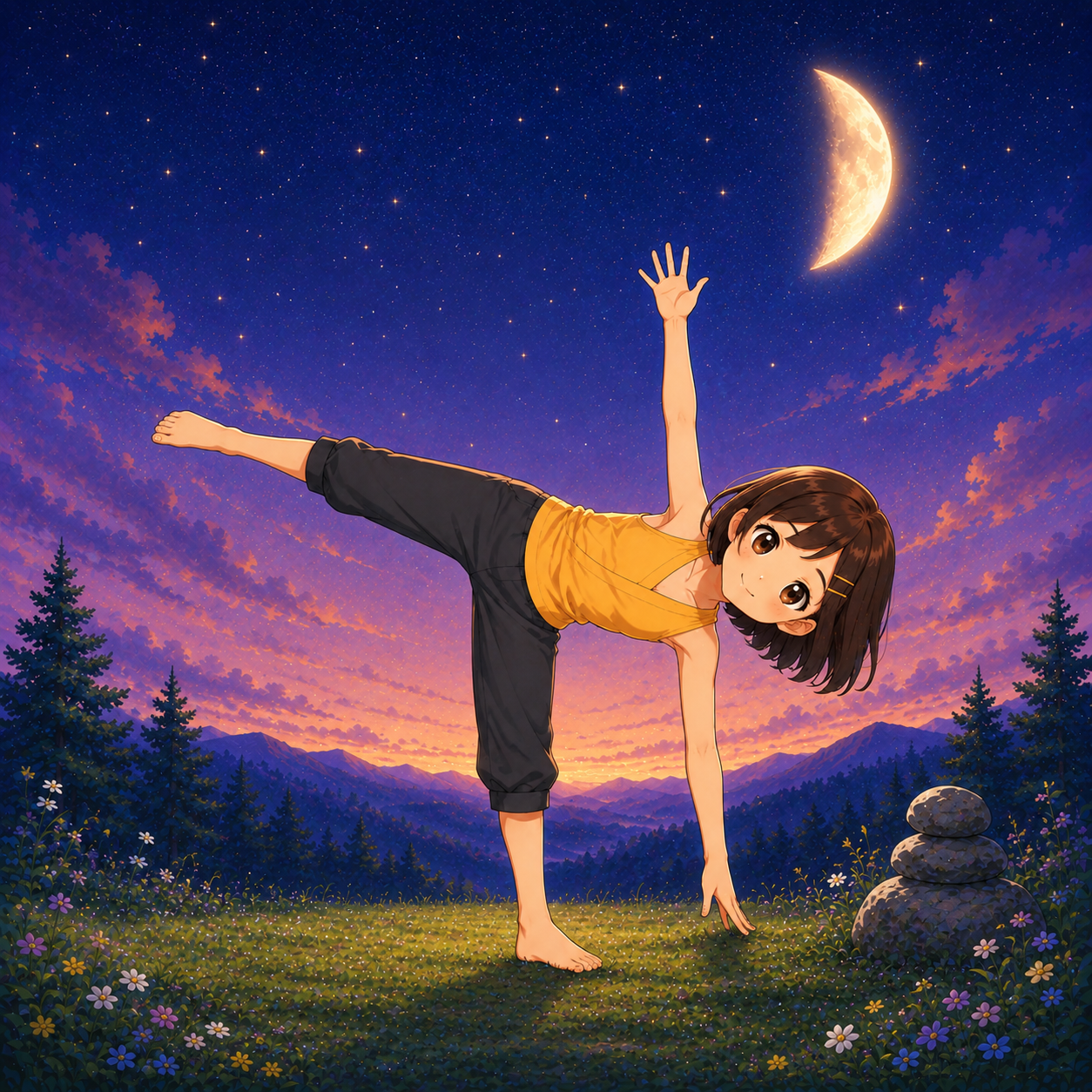
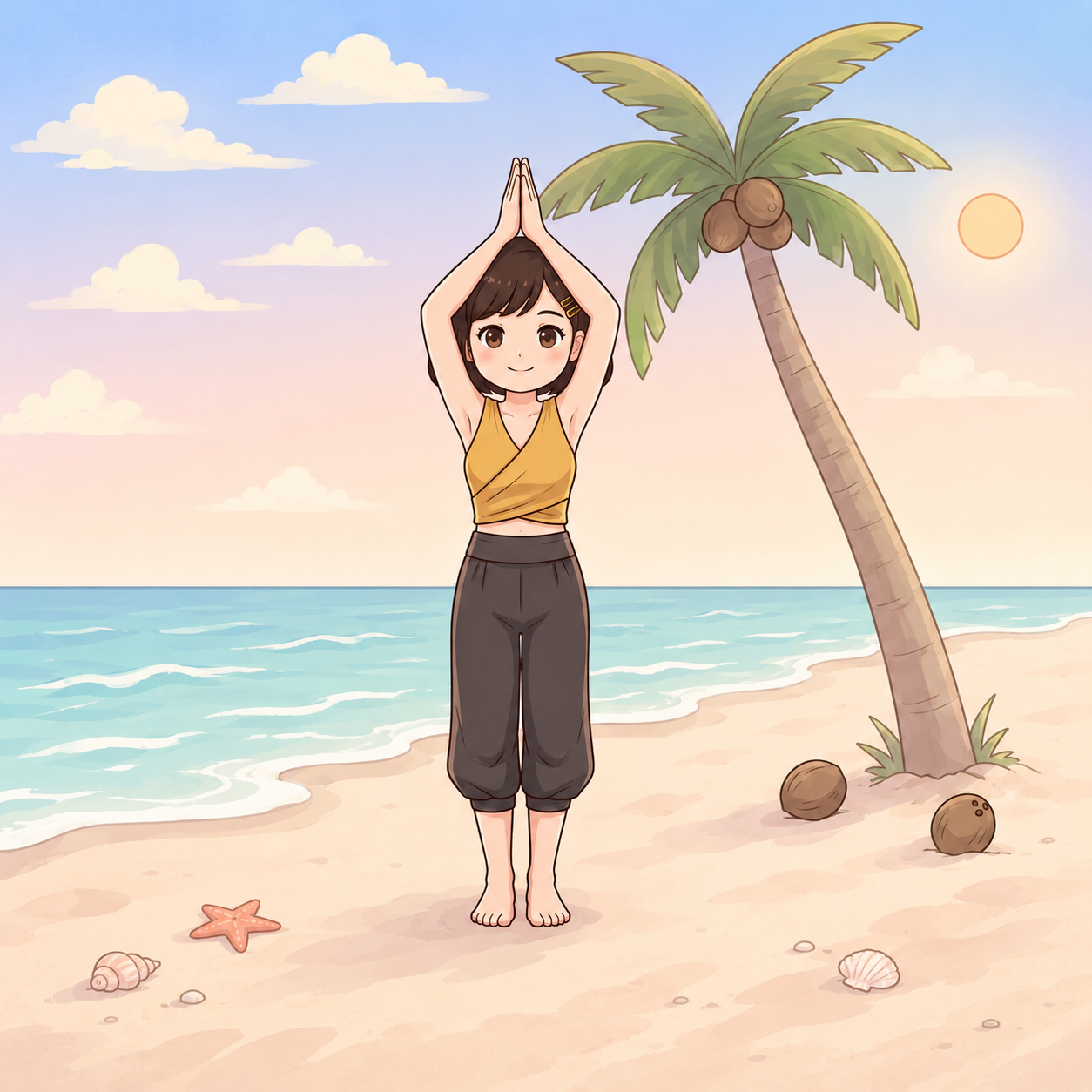
Pick a nature or animal challenge.
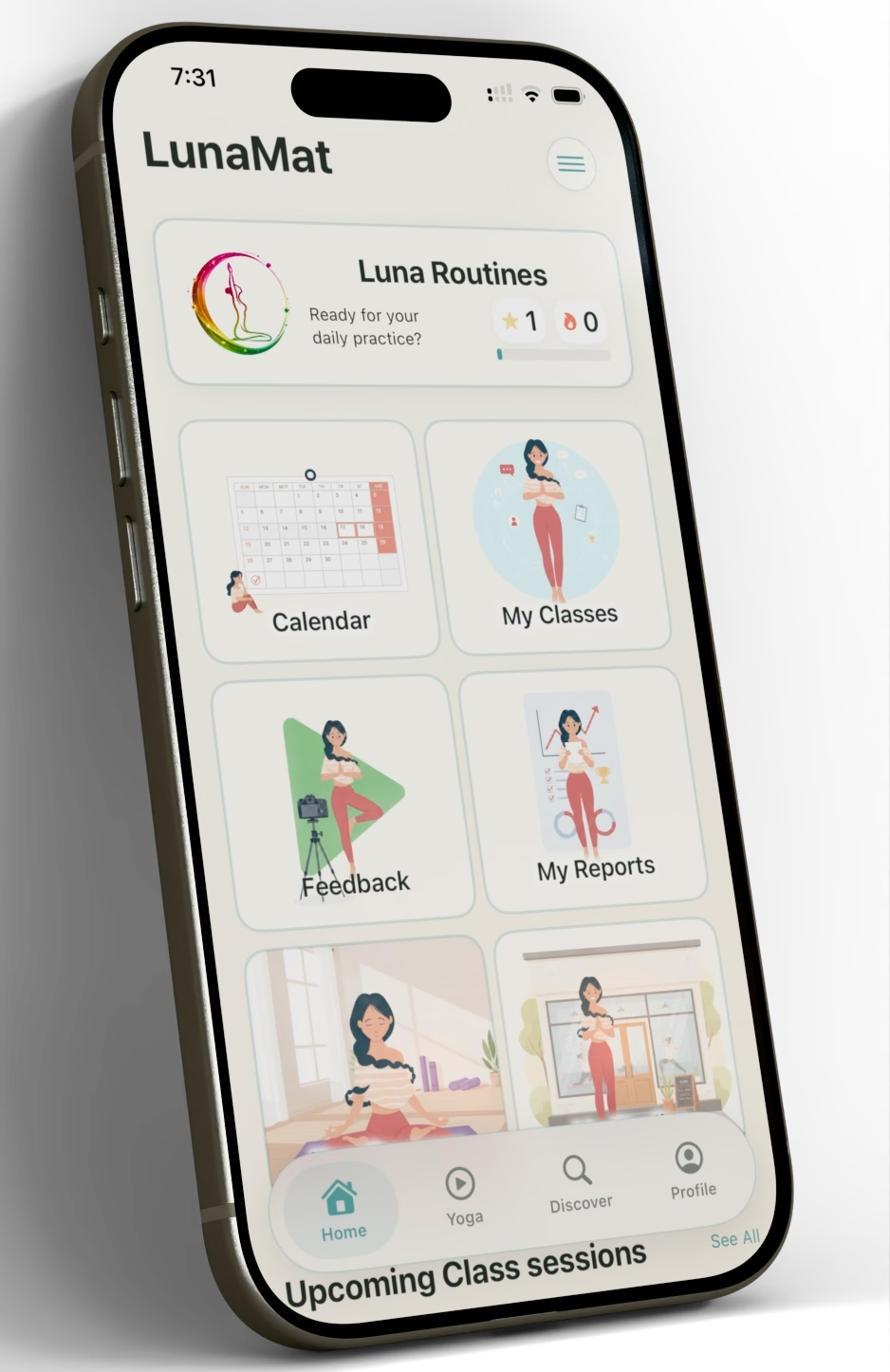
LUNAMAT KIDS · FOR PARENTS
Most screen time asks kids to keep looking. LUNAMAT gives them something to get up and do.
The screen gives the challenge.
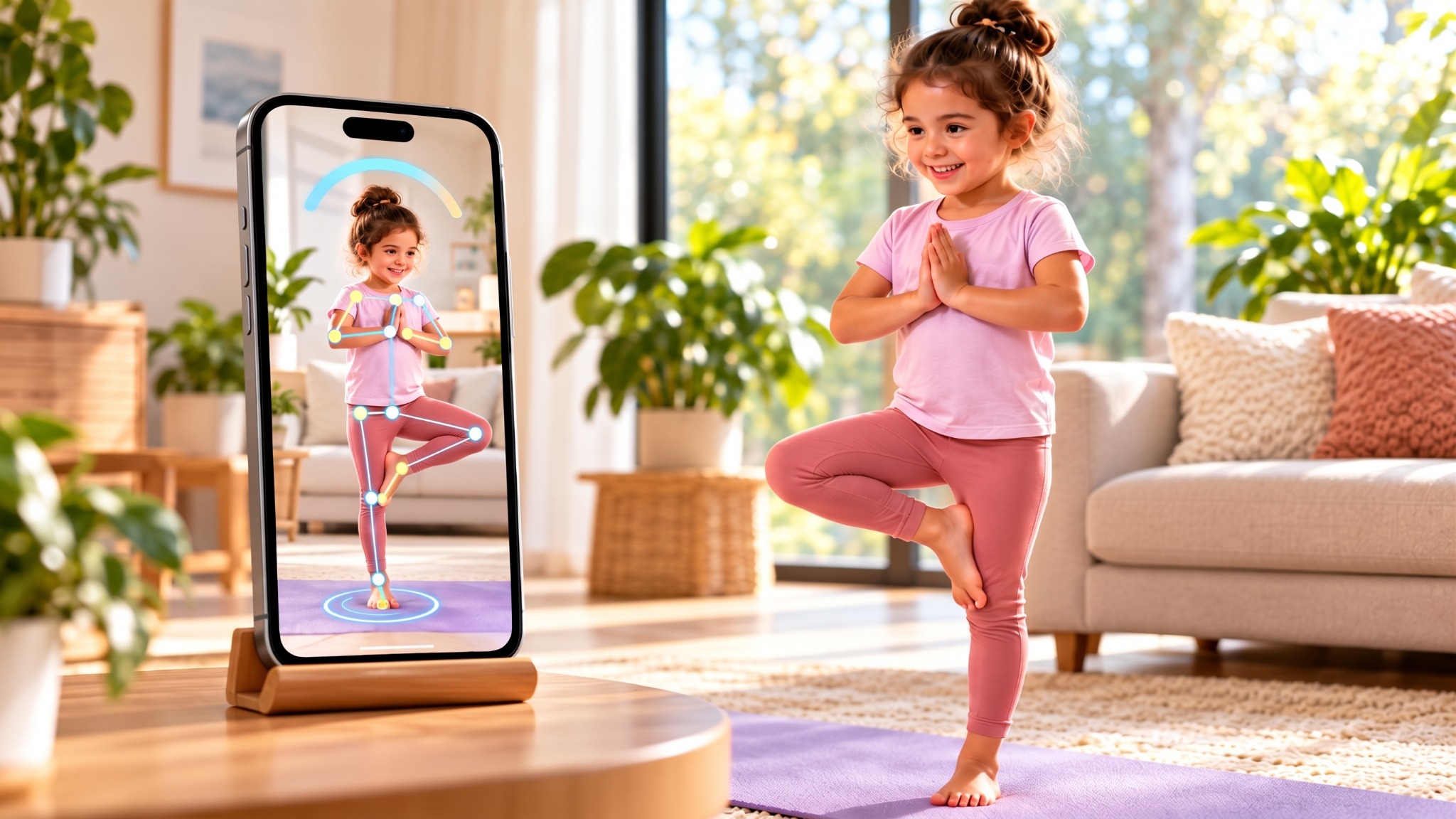
Your child moves, copies the pose, and gets simple feedback.
HOW IT WORKS
Pick a nature or animal challenge.
Hear the instruction.
Move away from the screen and into position.
The camera recognizes the movement.
Finish the challenge. Move to the next.
WHY IT EARNS ITS SCREEN TIME
If they're going to use a screen, make it do something.
Trees, bees, moons and short challenges turn movement into play.
Open it. Choose a challenge. Move.
Hear an instruction and respond with physical movement.
Names, images and movement come together in one activity.
MORE TO EXPLORE
A growing library of movement challenges gives kids variety as they grow- from simple stretches and balance work to animal, nature and energy-focused activities.
HOME, CLASSROOM, ANYWHERE
Short movement moments for real life - at home, during transitions, or inside a busy classroom.
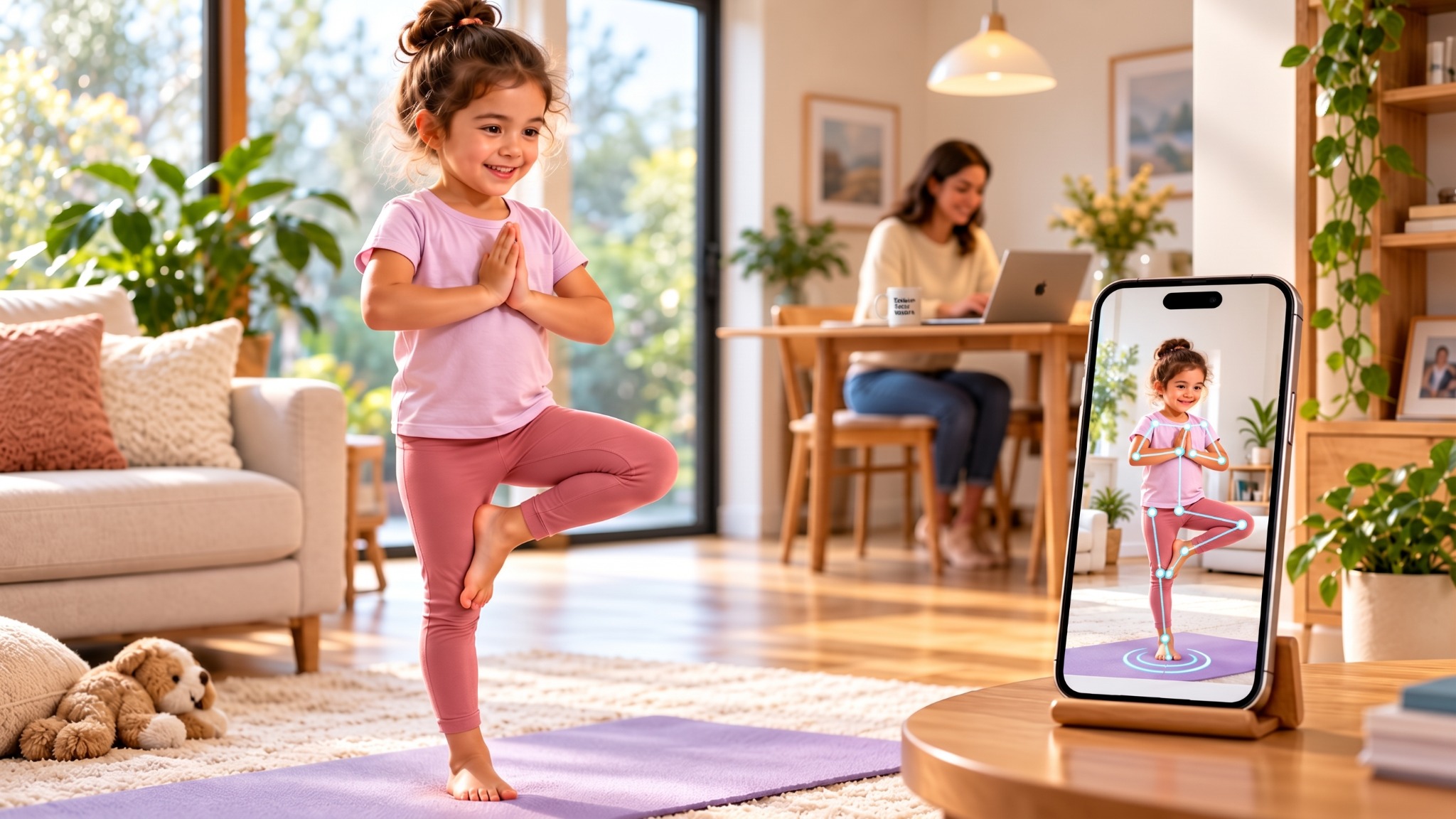
Rainy days, morning movement, after school, or a quick activity before dinner.
A simple movement break for Junior-Senior Kindergarten, and elementary classrooms.
Start a guided challenge without turning the room into a gym.
A familiar movement routine wherever kids have a little room to move.
READY-MADE OR YOUR WAY
Start with a ready-made movement journey, or choose from the pose library to create a sequence that fits your child, family, or classroom.
Open the app and start a structured sequence without planning anything first.
Choose the movements, set the order, and create a routine for home or classroom use.
FOR THE GROWN-UPS
A focused kids experience - not the open internet.
Start a challenge. Do it. Finish it.
Kids move through defined activities - not an unlimited stream of algorithmic content.
The experience is built around movement, not advertising.
The device camera is used to recognize movement and guide the pose. Camera and child-data handling are explained clearly in Child Data Safety.
Child Data Safety →A DIFFERENT DESIGN GOAL
No endless scroll. No next-video loop. Complete the activity and get on with the day.
LUNAMAT KIDS
LUNAMAT turns passive screen time into guided movement, helping your child stay active, focused, and engaged.